SpellVPN icon

SpellVPN

SpellVPN Tool · iOS / Mac | SpellVPN Ultra · iOS

Tool: paid, ad-free, user-supplied configurations only. Ultra on iOS: advertising and optional subscriptions that remove ads and provide Curated Sources and Exclusive Lines.

SpellVPN Ultra · FreeApp Store
SpellVPN Tool · iOS · PaidApp Store
SpellVPN Tool · Mac · PaidApp Store
User GuidePrivacy PolicySupport
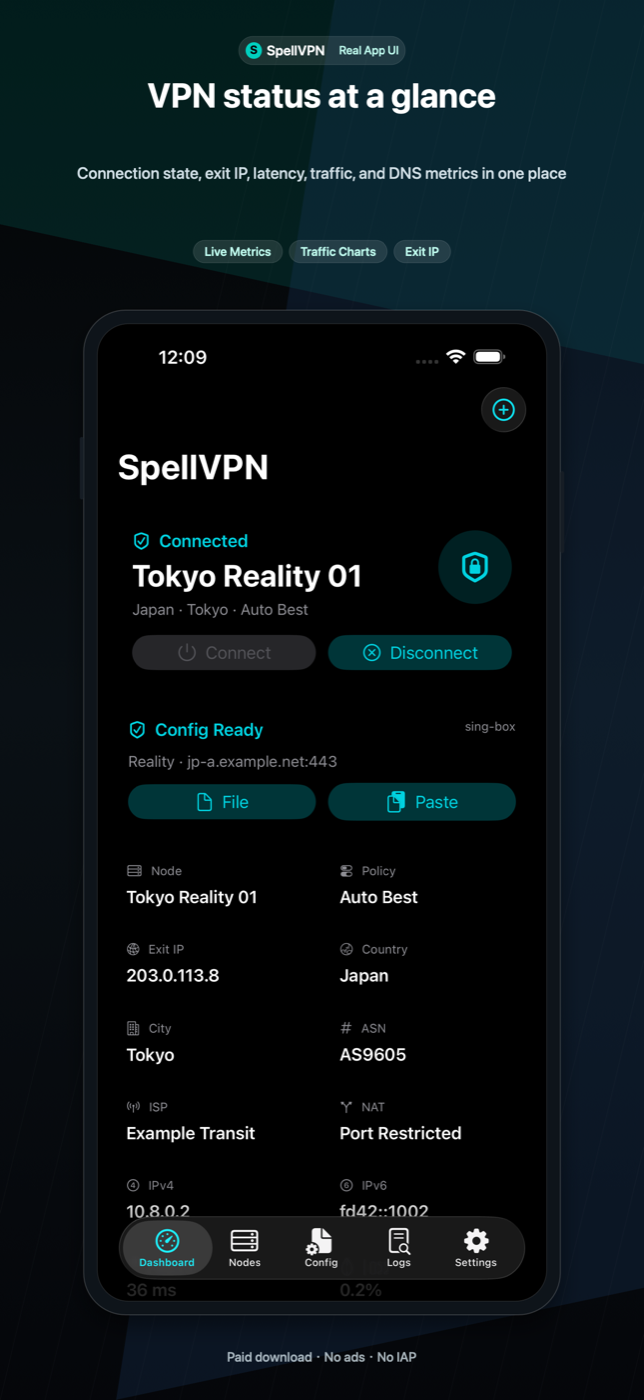
SpellVPN dashboard screenshot

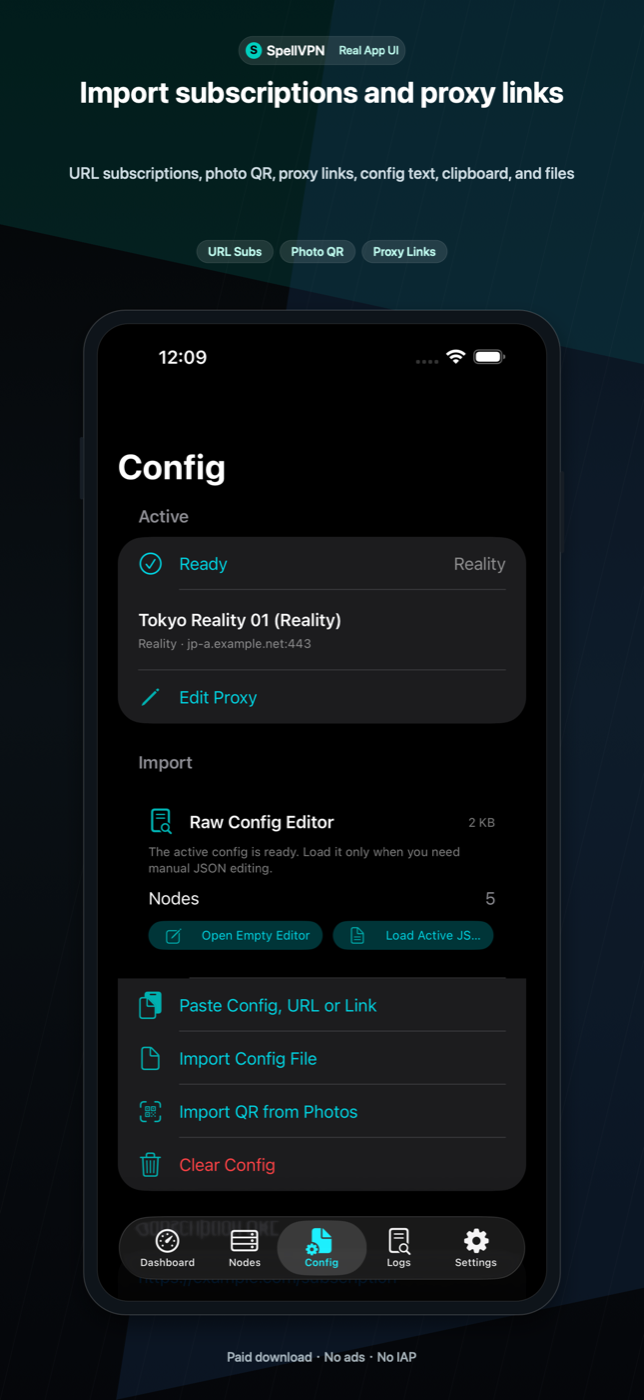
Import options

Use QR scan, photo QR, clipboard, Files, Wi-Fi Upload, subscription URLs, proxy links, and URL schemes. Supported inputs include sing-box JSON, Clash/Mihomo YAML, Base64 URI lists, SIP008, Surge, Quantumult, Shadowrocket-style text, and common proxy links.

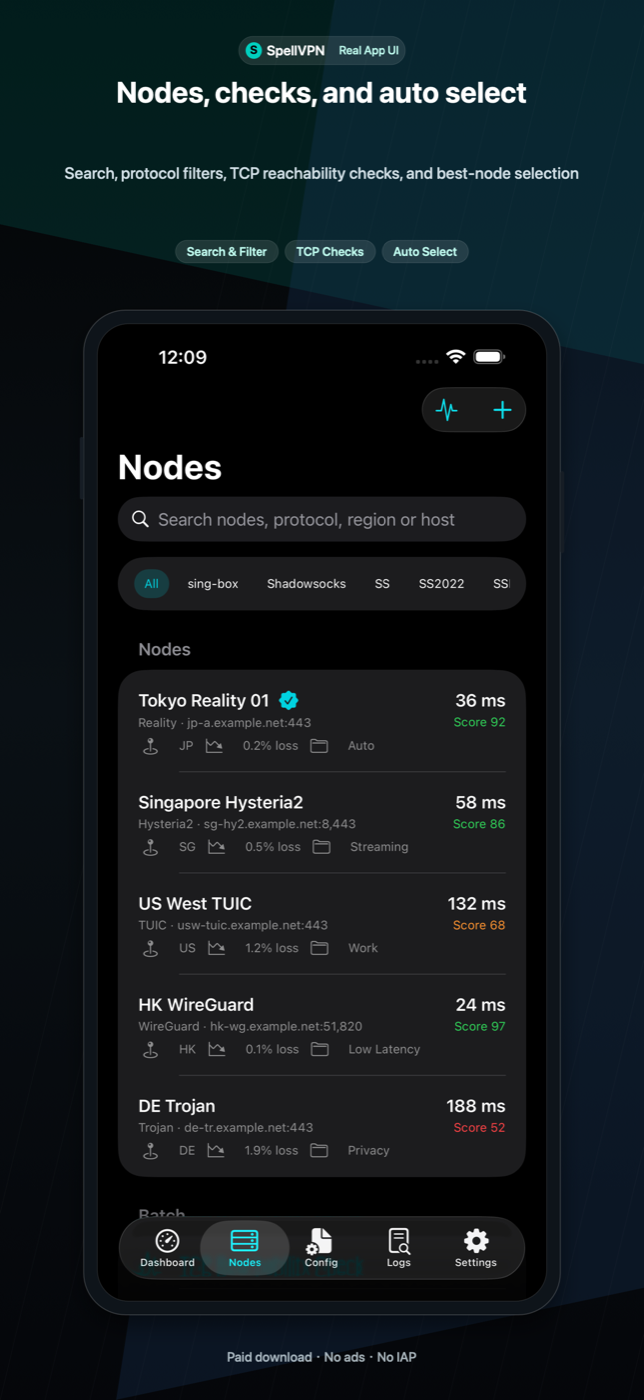
Nodes and subscriptions

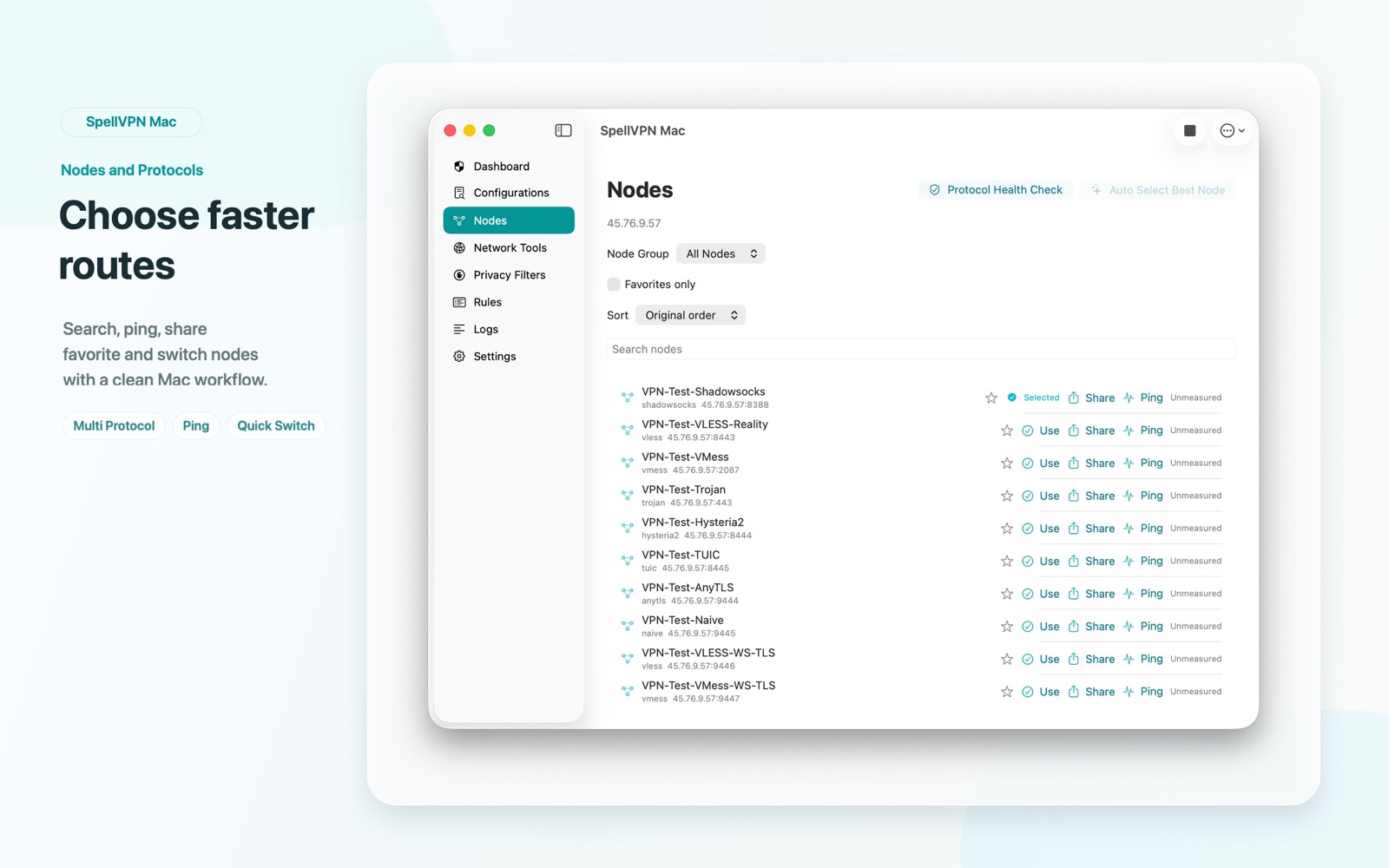
Manage saved subscription URLs, update or copy them, choose nodes, edit real proxy outbounds, export a single node as JSON, and show node QR codes.

Profiles, tools, and widgets

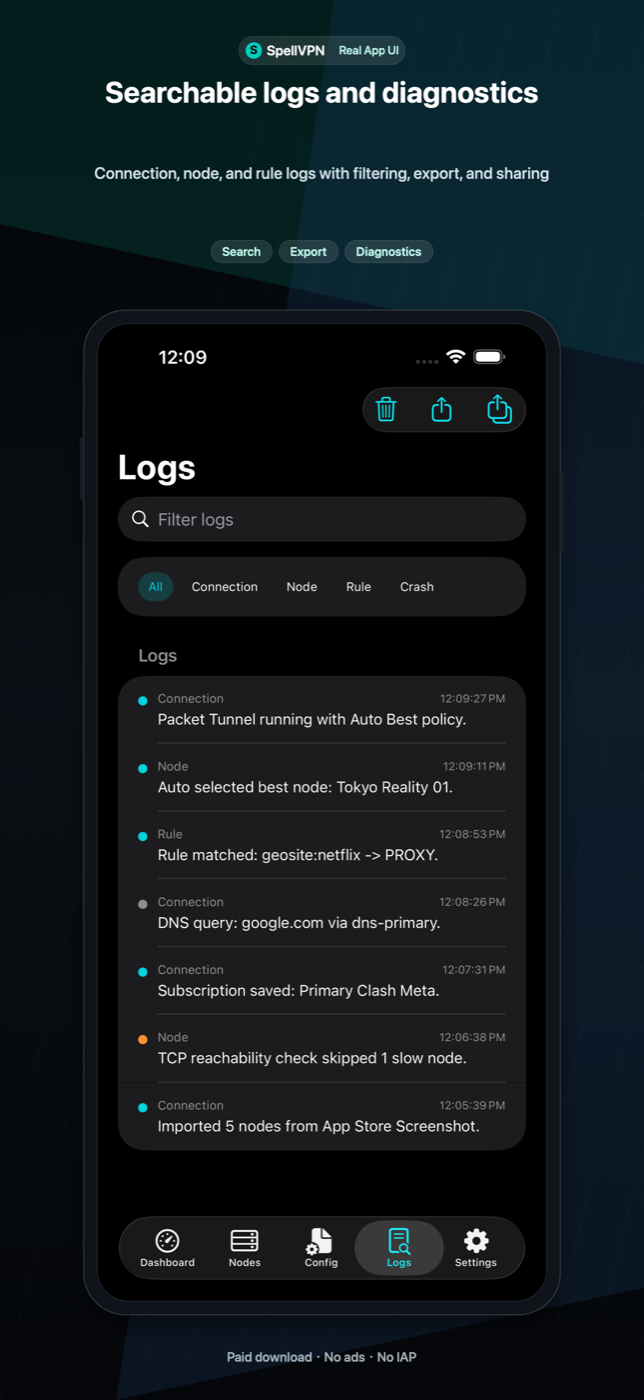
Use connection profiles, VPN pause, privacy filters, DNS management, Network Tools for TCP Ping, DNS, IP, Whois, GeoIP, TLS, HTTP, TCP/UDP, IPv6, and speed tests, Home/Lock Screen widgets, basic App Shortcuts, local logs, diagnostics, JSON export/import, and iCloud Drive backups.

Ultra, iOS Paid, and Mac Paid

Tool: paid, ad-free, user-supplied configurations only. Ultra on iOS: advertising and optional subscriptions that remove ads and provide Curated Sources and Exclusive Lines.

macOS App Store build

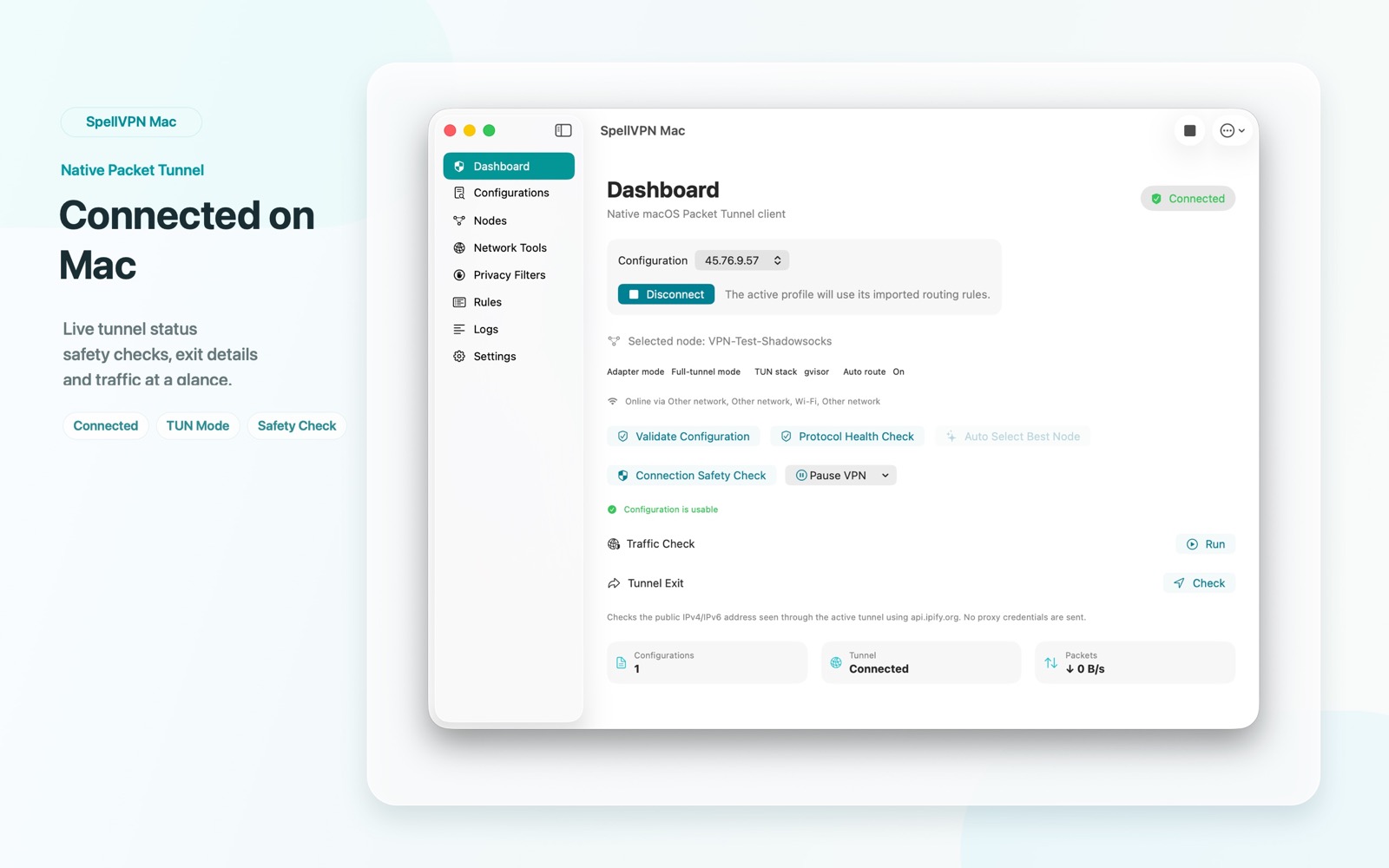
SpellVPN Tool for Mac imports users' own configurations and uses a native macOS Packet Tunnel for connections. It has no advertising, App Store subscriptions, or built-in node service. Ultra's subscription-based Curated Sources and Exclusive Lines are features of the separate iOS Ultra edition.
Website information updated September 12, 2026

Editions and version information

SpellVPN Tool · iOS / Mac

SpellVPN Tool is a paid, ad-free configuration client for iOS and macOS. It supplies no server nodes, preset source catalog, or node-service subscription. Import your own configuration, nodes, or subscription URL that you are authorized to use. The client can establish a VPN connection using the imported configuration; it is not an offline-only file viewer.

SpellVPN Ultra · iOS

SpellVPN Ultra is the iOS edition with advertising and optional App Store auto-renewing subscriptions. A valid subscription removes ads and gives access to Curated Sources and Exclusive Lines supplied through the service. Ultra also supports users' own imports. These service-provided configurations are an actual subscription benefit, not just ad removal.

Website information updated September 12, 2026

Configuration sources and network requests

Configuration sources and network requests

SpellVPN Tool contacts the subscription, DNS, and server endpoints in your imported configurations. SpellVPN Ultra also requests Curated Sources and Exclusive Lines from apixx.spellv.com when using those features, and may then contact the returned subscription and node endpoints. Remote services receive the network information needed to handle these requests, such as IP address and HTTP request metadata. VPN traffic is processed by the servers selected in the active configuration. This is separate from App Store purchase processing and Ultra advertising.

Ultra subscriptions and access

In SpellVPN Ultra, open Settings → Subscription → Ultra Subscription to view the available plans, purchase, or restore a purchase. With an active entitlement, use Curated Sources or Exclusive Lines in the normal interface. My Imports remains separate from service-provided content. If a purchase or source cannot be loaded, contact support with the app version and error text; do not send passwords or complete subscription URLs.

Ultra subscriptions and access

Weekly, monthly, quarterly, and yearly auto-renewing plans are handled by Apple. The App Store purchase sheet shows the actual price, period, and renewal terms. You can restore eligible purchases in the app and manage subscriptions in your Apple account. Source contents and connectivity can change; access is not a promise of permanent nodes, unrestricted traffic, or a particular region's availability.

Screenshots

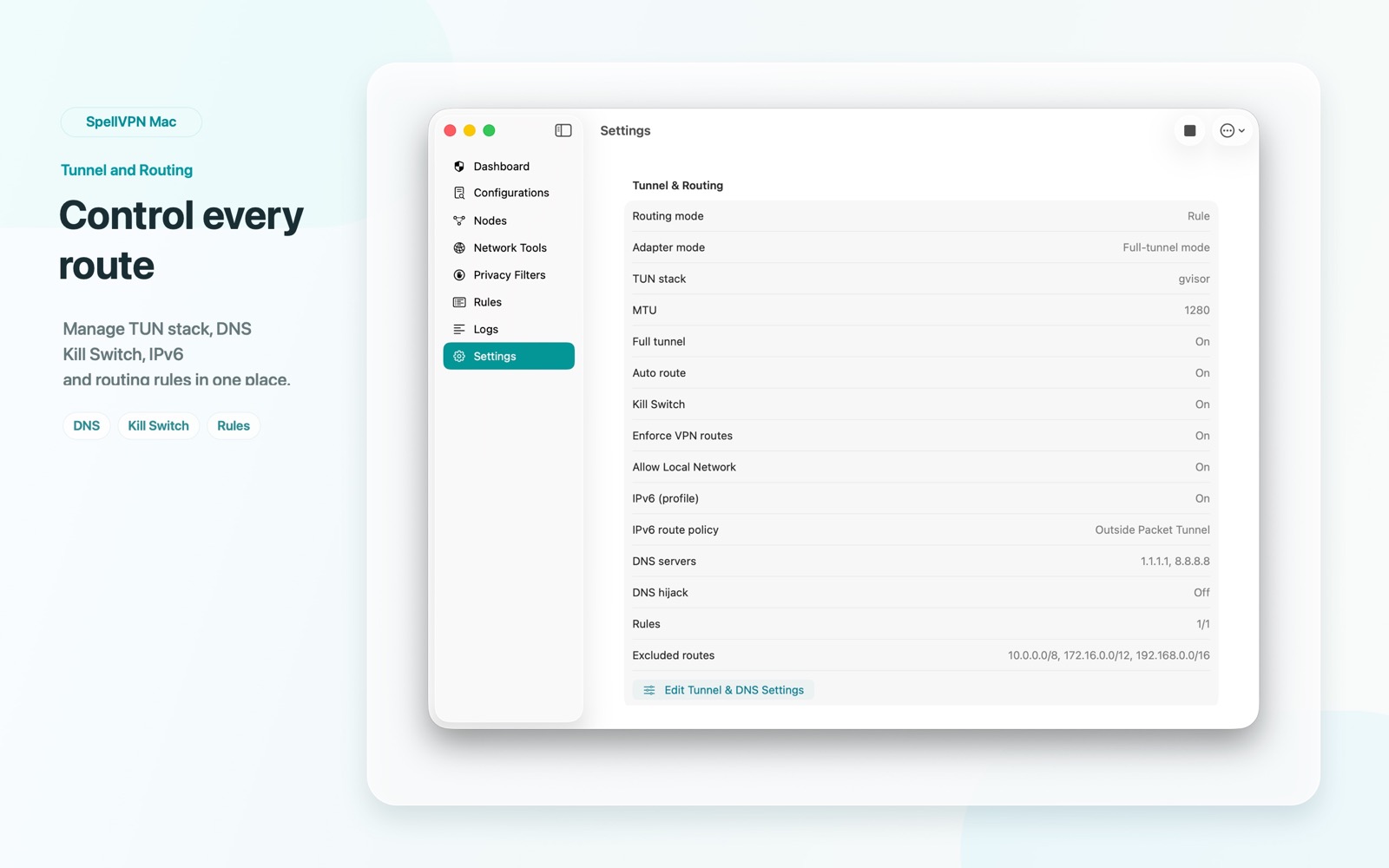
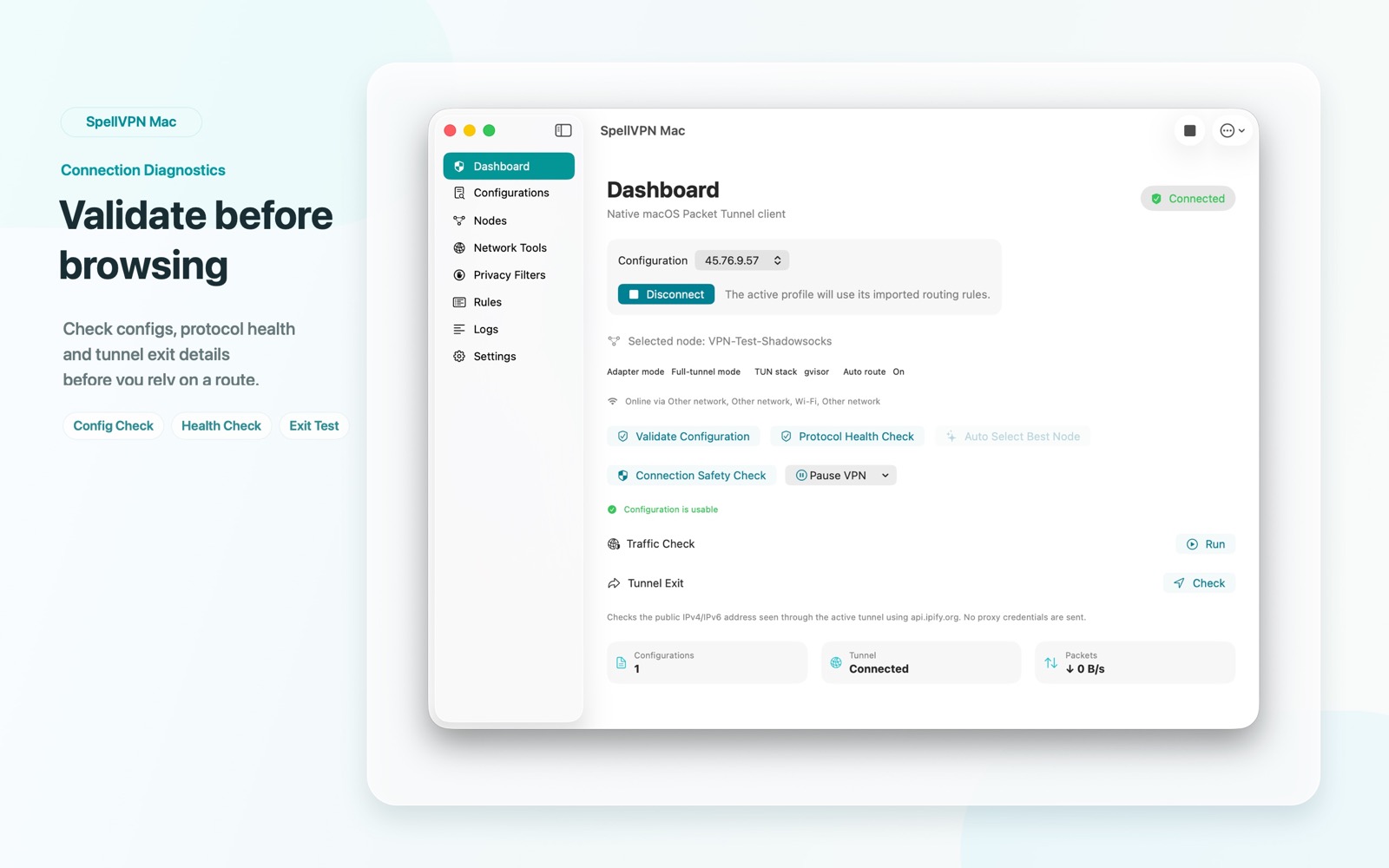
Historical interface examples for SpellVPN Tool on iOS and Mac. Example node names and connection metrics do not represent a currently available server or live connection. Ultra subscription benefits are described separately above.

SpellVPN mobile dashboard screenshot
SpellVPN mobile import screenshot
SpellVPN mobile nodes screenshot
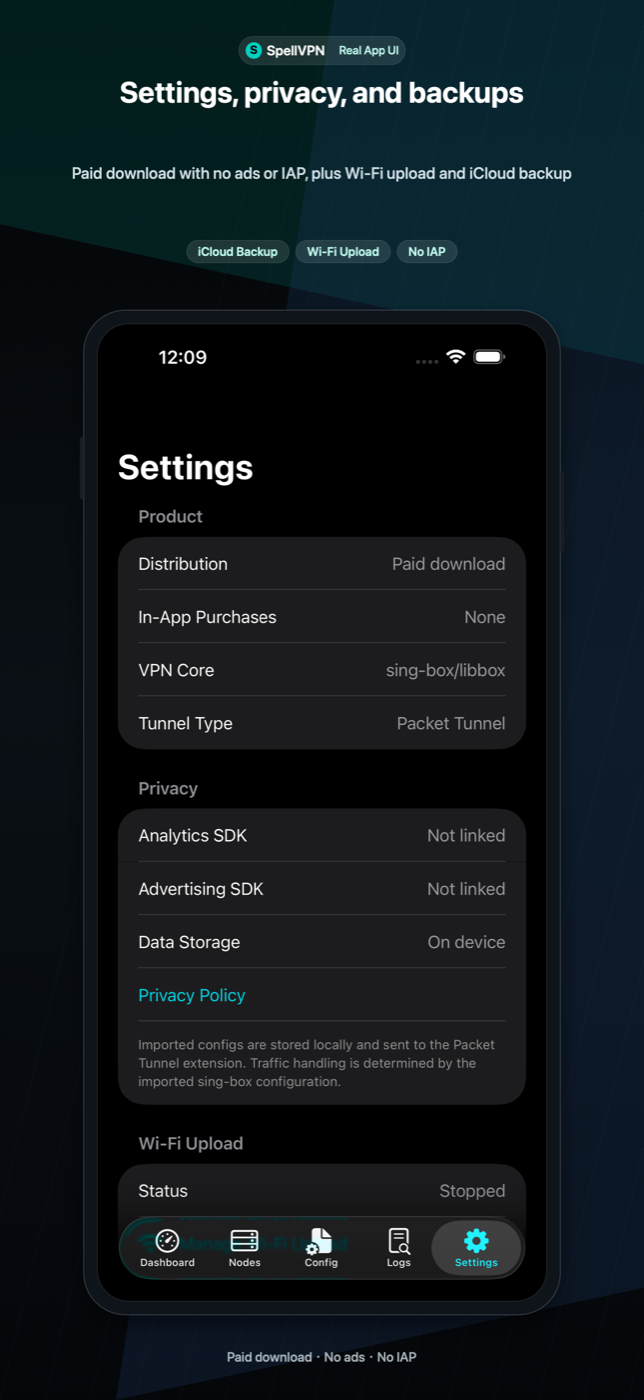
SpellVPN mobile settings screenshot
SpellVPN mobile logs screenshot
SpellVPN macOS dashboard screenshot
SpellVPN macOS node management screenshot
SpellVPN macOS routing and tunnel screenshot
SpellVPN macOS configuration screenshot
SpellVPN macOS security and privacy tools screenshot

Important Boundaries

Tool: paid, ad-free, user-supplied configurations only. Ultra on iOS: advertising and optional subscriptions that remove ads and provide Curated Sources and Exclusive Lines.