Website information updated September 12, 2026

Editions and version information

EasyTallys

EasyTallys is a local-first bookkeeping app with optional Apple CloudKit sync and sharing. It has no advertising, App Store in-app purchases, membership paywall, or developer-operated finance-data server. Subscription reminders are bill records created by the user, not purchases sold by the app.

Version and correction record

Correction submission: iOS 1.0.2, build 1.0.1. The corrected version removes an internal screenshot/test workflow that could insert sample records, force local storage, bypass the privacy lock, or simulate iCloud and App Group status. System status in the corrected version comes from actual system results. The submission was recorded as In Review on September 4, 2026; this does not confirm approval or publication.

1

Set Up Your Ledger

  1. Create a ledger for a person, family, project, or business scenario.
  2. Add accounts such as cash, bank cards, credit cards, deposits, loans, or other assets and liabilities.
  3. Organize categories, tags, merchants, projects, and members before recording daily transactions. Current advanced features are free; there is no StoreKit product, membership tier, Pro subscription, or paywall.
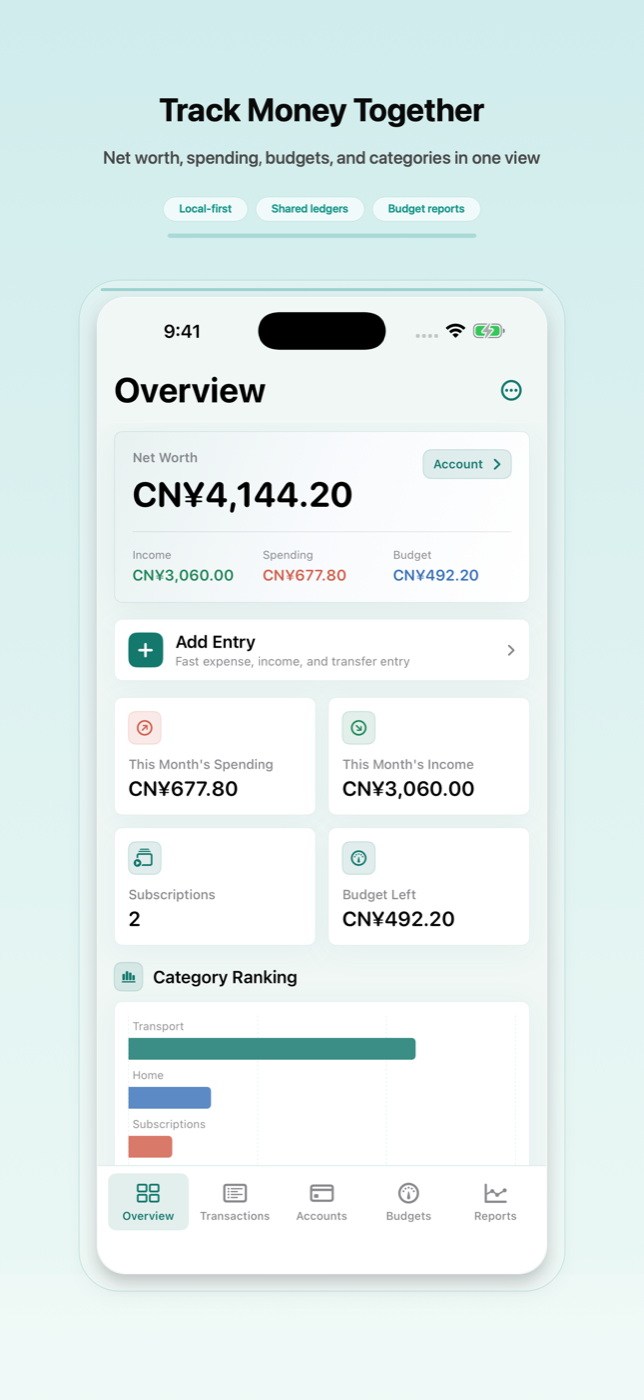
Create ledgers and accounts from the iPhone dashboard.
2

Record and Review Transactions

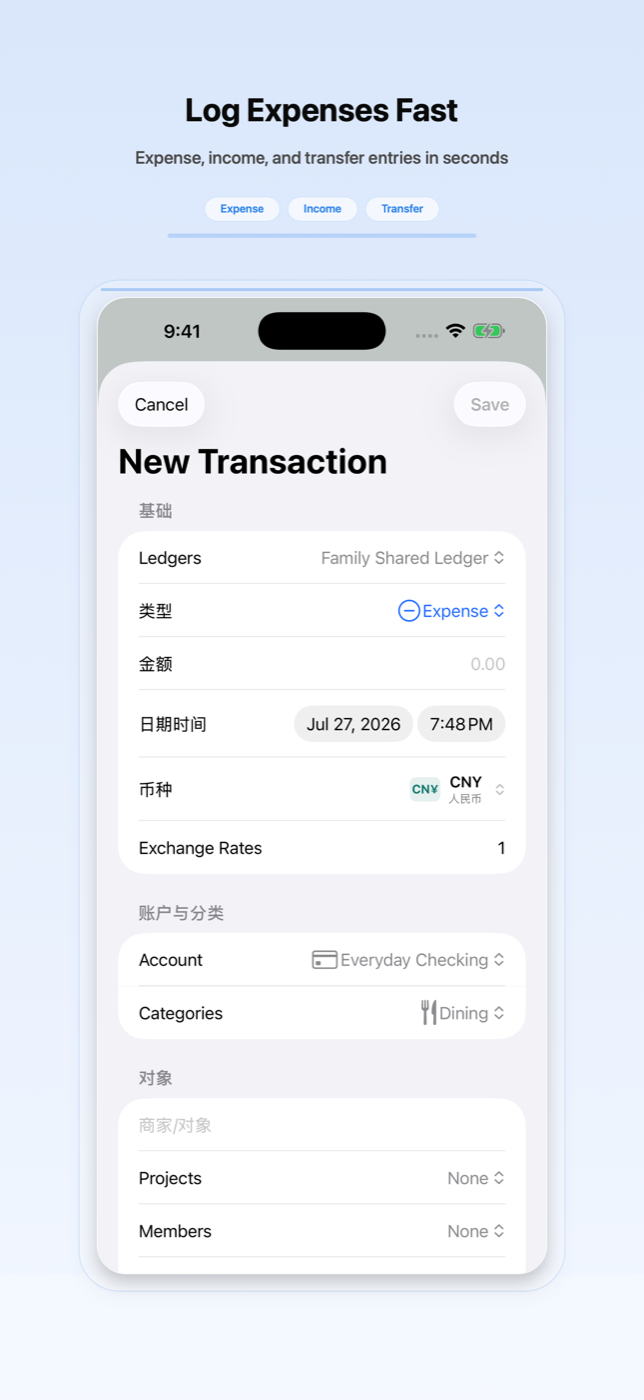
  1. Add expenses, income, transfers, refunds, reimbursements, loans, installments, fees, or balance adjustments.
  2. Attach notes and receipt images when they help explain a record, and use local Vision OCR for receipts or bills you choose.
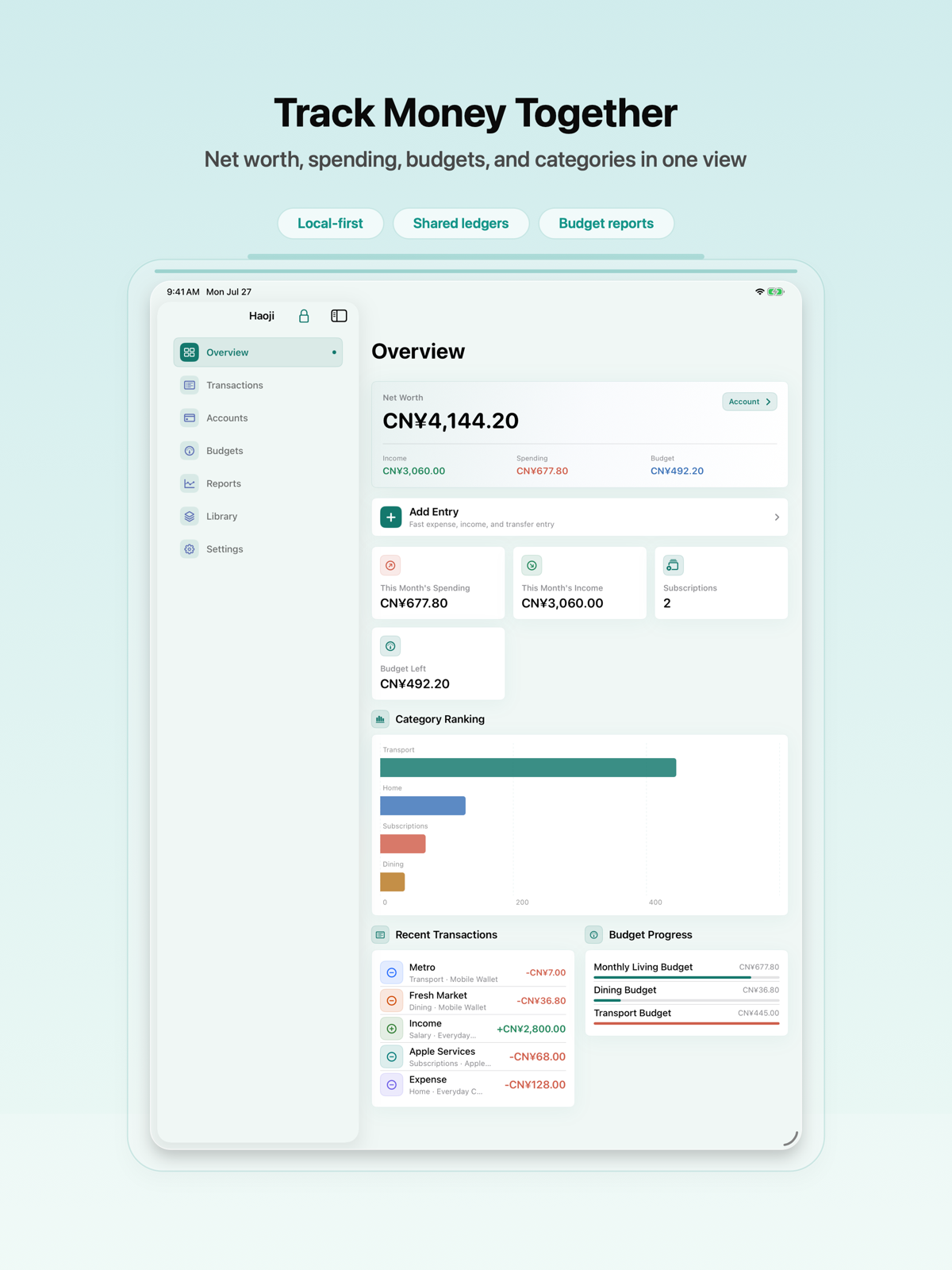
  3. Use dashboard cards, category rankings, merchant rankings, net-worth details, and trend charts to review spending and assets.
Record expenses, income, transfers, notes, receipt images, and OCR-supported details.
3

Budgets, Recurring Bills, and Reminders

  1. Create budgets by month or category, then review progress and threshold reminders.
  2. Use recurring templates and subscription items to track bills such as rent, services, memberships, and subscriptions you pay elsewhere.
  3. Grant notification permission if you want local reminders for subscriptions, recurring entries, budgets, deposits, credit cards, or installments.
Track subscriptions, recurring entries, and local reminders.
4

Privacy, Sync, and Backup

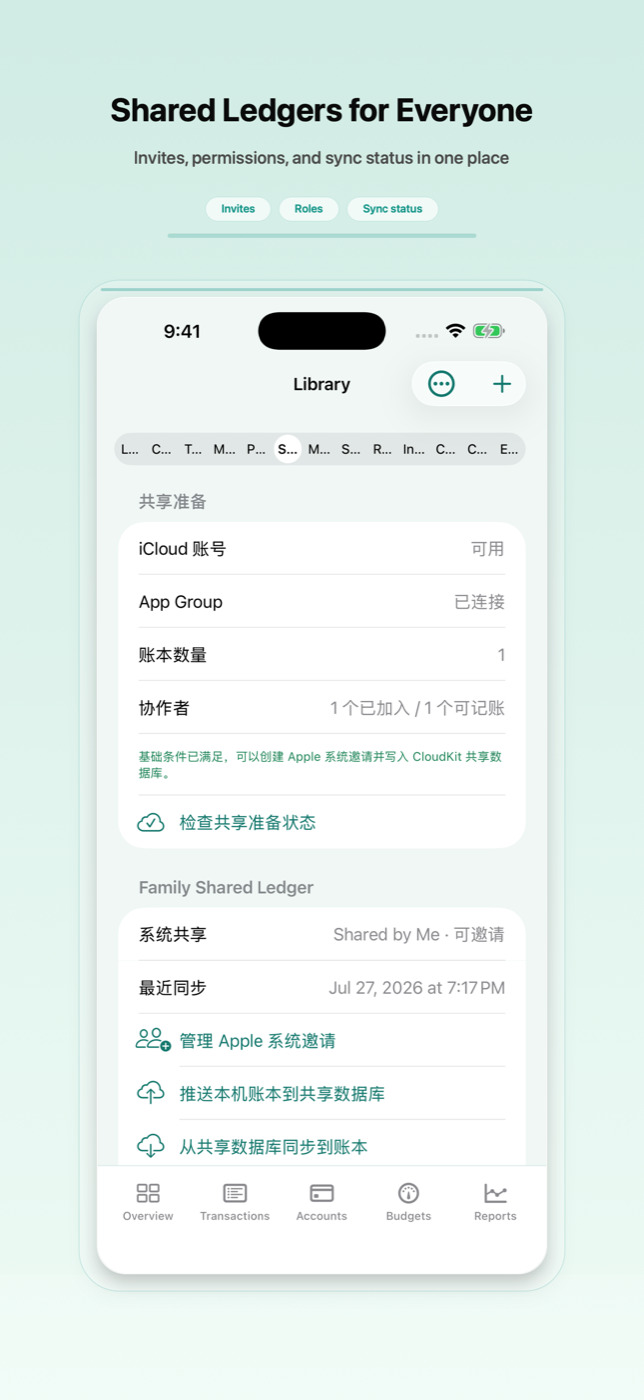
  1. Finance data is stored locally. Optional iCloud sync uses your private iCloud account through CloudKit. Shared ledgers use Apple system CloudKit Sharing invitations and roles, while Widget, Watch, and the main app share local data and preferences through App Group.
  2. Enable the privacy lock to protect the app with Face ID, Touch ID, or device authentication.
  3. Use JSON or ZIP backup and restore for full app data, including receipt images, or use CSV, Excel, OFX, QIF, and PDF workflows for imports, exports, and reports.
  4. Before release, validate final App Group, iCloud container, CloudKit Sharing, Widget/Watch quick entry, App Shortcuts, macOS menu bar quick entry, and remote-change notification behavior on signed devices or TestFlight.
Use settings for free advanced features, themes, privacy lock, iCloud sync, backup, import/export, and data tools.
5

Use the Cold Wallet Vault

  1. Create a wallet record only for secrets you own and are allowed to store on this device.
  2. Use Face ID, Touch ID, or the device passcode before revealing, copying, editing, exporting non-secret metadata, or deleting vault records.
  3. Seed phrases, private keys, and Keystore JSON stay in the this-device Keychain and do not enter iCloud sync, shared ledgers, app backups, reports, or exports.
  4. Use manual offline backups for wallet secrets. The app cannot restore a this-device-only secret from iCloud after device loss.
EasyTallys secure sharing and vault related view.
Cold Wallet Vault

Website information updated September 12, 2026

About the screenshots

About the screenshots

Interface examples may contain sample bookkeeping data. They do not show your records or prove your device's iCloud or sharing status. The corrected version's submission record is explained above.