Website information updated September 12, 2026

Editions and version information

VPN XX · iOS 1.0.8

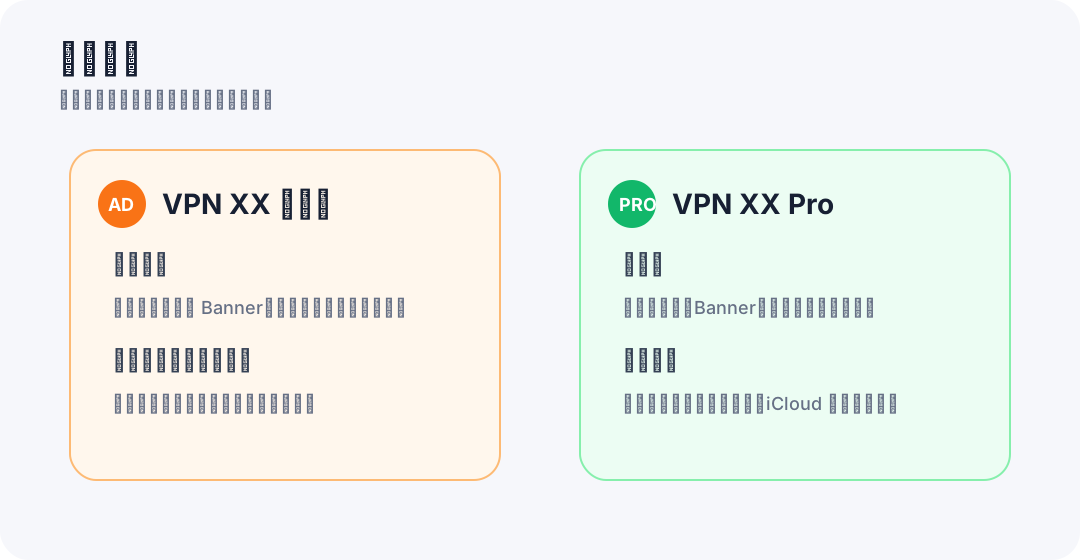
VPN XX for iOS 1.0.8 is an advertising-supported subscription and node configuration manager. This released version accepts only configurations and URLs supplied by users and contains no preset network subscription sources. It organizes, tests, and shares configuration records; it does not establish a system VPN tunnel or supply a VPN traffic service.
VPN XX PRO · iOS 1.0.7 / Mac 1.0.1

VPN XX PRO for iOS 1.0.7 and Mac 1.0.1 are paid, ad-free configuration managers. Both released versions include Network Source: users can select preset third-party public subscription sources hosted on GitHub and import the returned node records. This feature is in addition to users' own imports. These public sources are not developer-owned servers and their contents can change. The app itself does not establish a system VPN tunnel.

Planned changes

Planned replacement versions will remove preset public sources while retaining user-supplied imports. This is a future change: updating this website does not remove the feature from PRO iOS 1.0.7 or Mac 1.0.1 already installed on a device. No replacement release or restoration date is announced.

Website information updated September 12, 2026

Configuration sources and network requests

Configuration sources and network requests

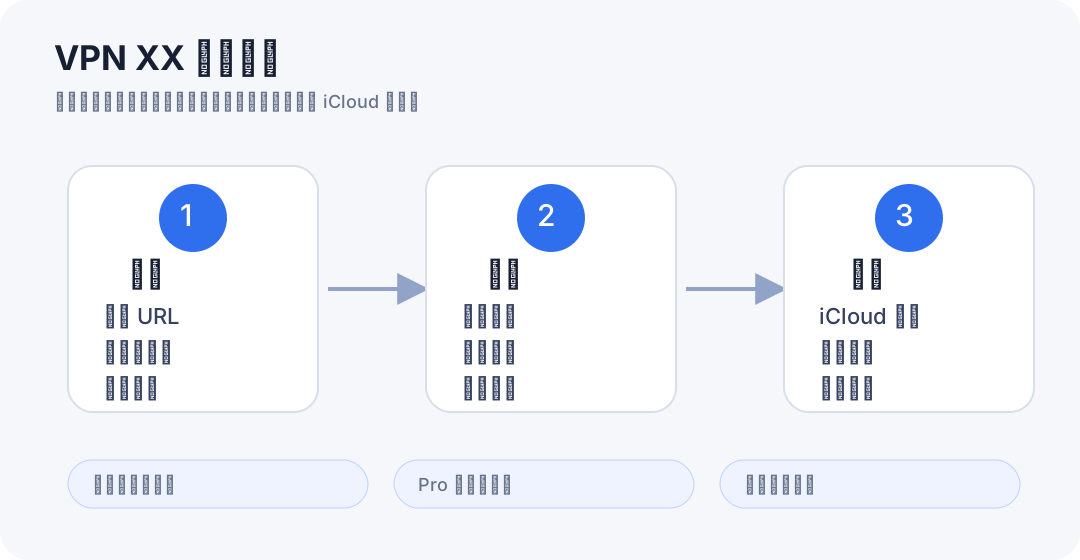
Importing or refreshing a URL sends a request to that source; node latency and reachability checks contact the relevant endpoints. VPN XX PRO iOS 1.0.7 and Mac 1.0.1 also contact public subscription sources on raw.githubusercontent.com when the Network Source feature is used. Source operators receive network request information such as IP address and HTTP metadata. Imported records can be stored locally and synced through private iCloud when enabled. VPN XX iOS 1.0.8 has no preset source catalog.

1

First Launch and Permissions

  1. The main workspace is organized around Subscriptions, Nodes, and Settings.
  2. Camera permission is needed only when you scan a QR code to import a subscription or node.
  3. VPN XX Free may request advertising consent or tracking permission where required before showing personalized ads.
VPN XX is organized around subscriptions, nodes, settings, and private iCloud sync.
2

Add Subscriptions or Nodes

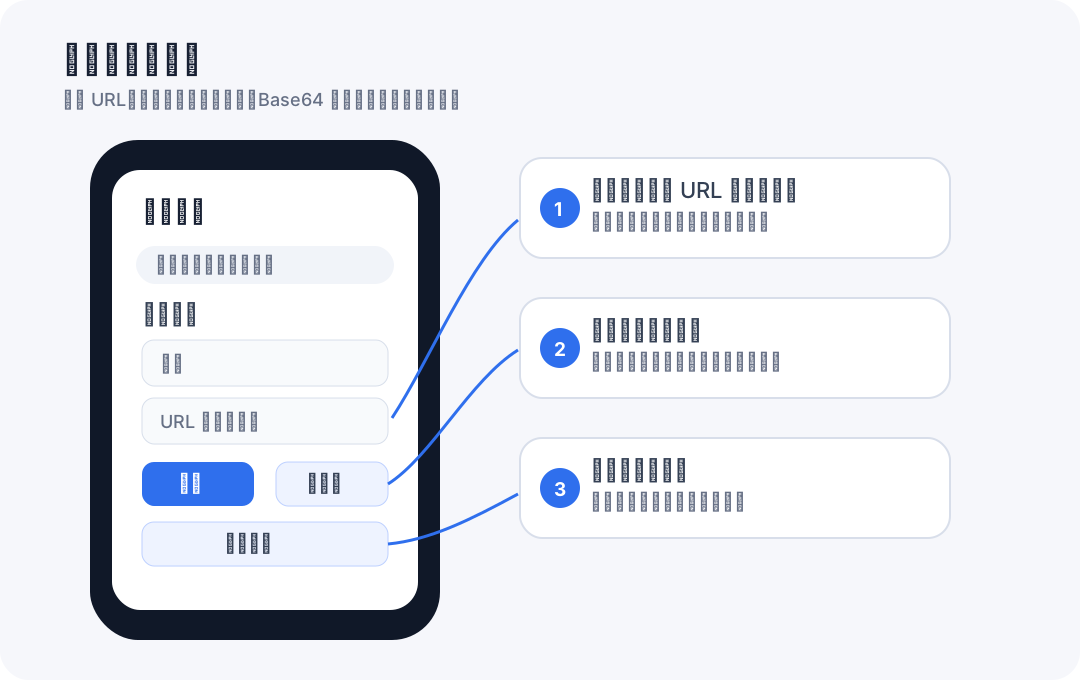
  1. Add a name and paste a subscription URL, paste one or more proxy links, import from the clipboard, or scan a QR code.
  2. HTTP or HTTPS subscription URLs are saved as subscriptions and can be refreshed later; direct proxy links are parsed into nodes.
  3. Subscription URLs are data you provide. They are not App Store subscription purchases.
Add subscriptions or nodes by URL, clipboard, or QR code.
3

Supported Formats

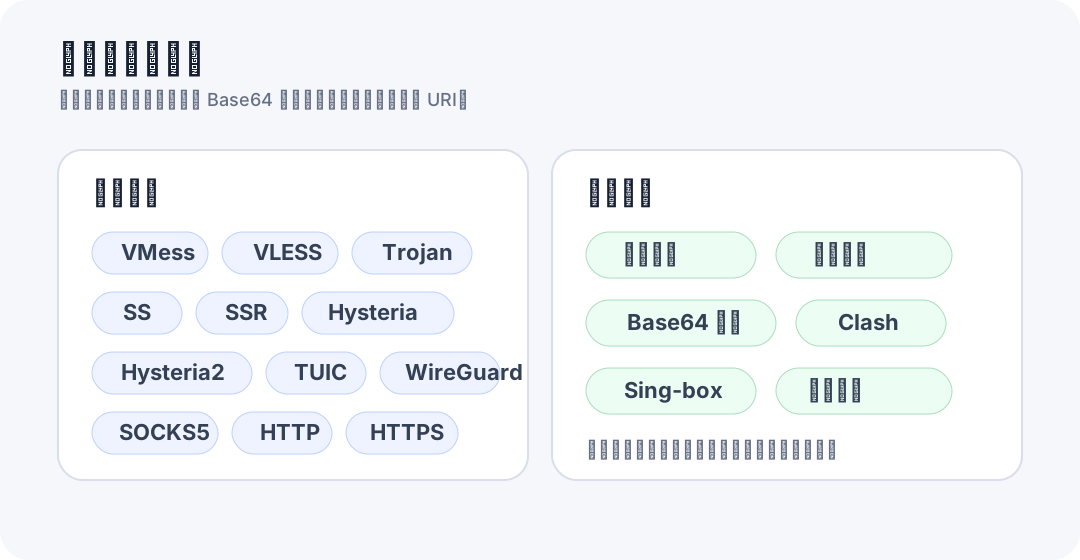
  1. VPN XX parses plain text first, then tries Base64 decoding when needed.
  2. Supported node formats include VMess, VLESS, Trojan, Shadowsocks, SSR, Hysteria, Hysteria2, TUIC, WireGuard, SOCKS, HTTP, and HTTPS where applicable.
  3. The app can also extract recognizable node URIs from mixed text, Clash YAML, and sing-box JSON.
Supported import formats include common proxy links, Base64 subscriptions, Clash, and sing-box.
4

Refresh and Organize Nodes

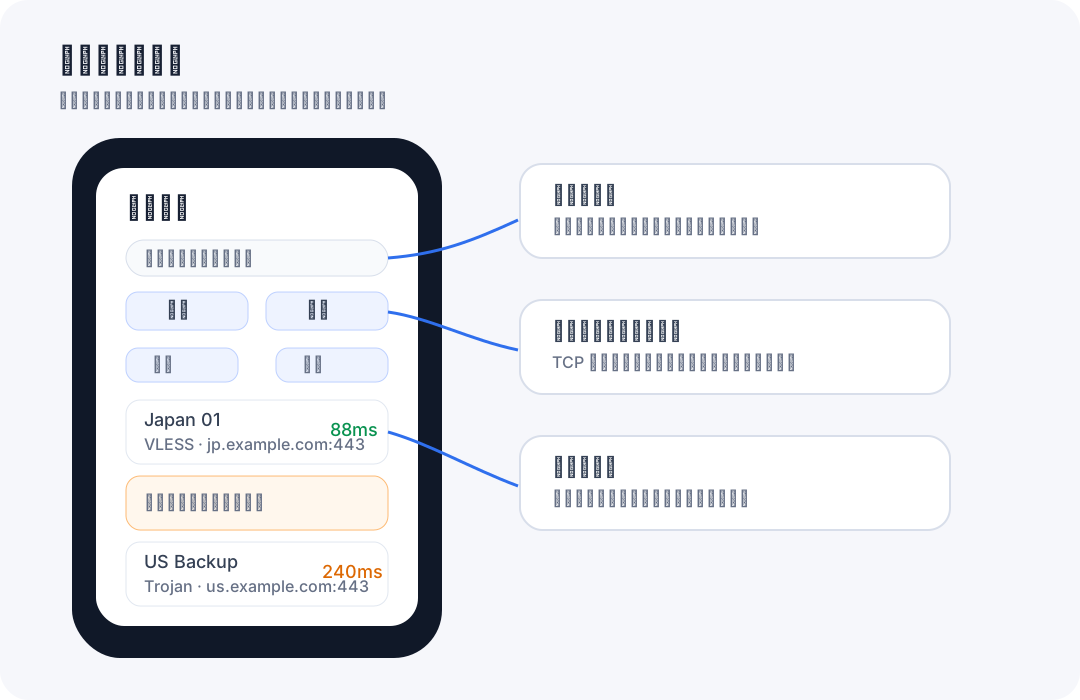
  1. Refresh a subscription to fetch its latest node list from the URL you provided.
  2. Use protocol, status, favorites, and latency filters to keep large node lists manageable.
  3. Rename nodes or mark favorites so frequently used endpoints are easy to find.
Search, filter, sort, favorite, refresh, and test nodes from one list.
5

Speed Test and Share

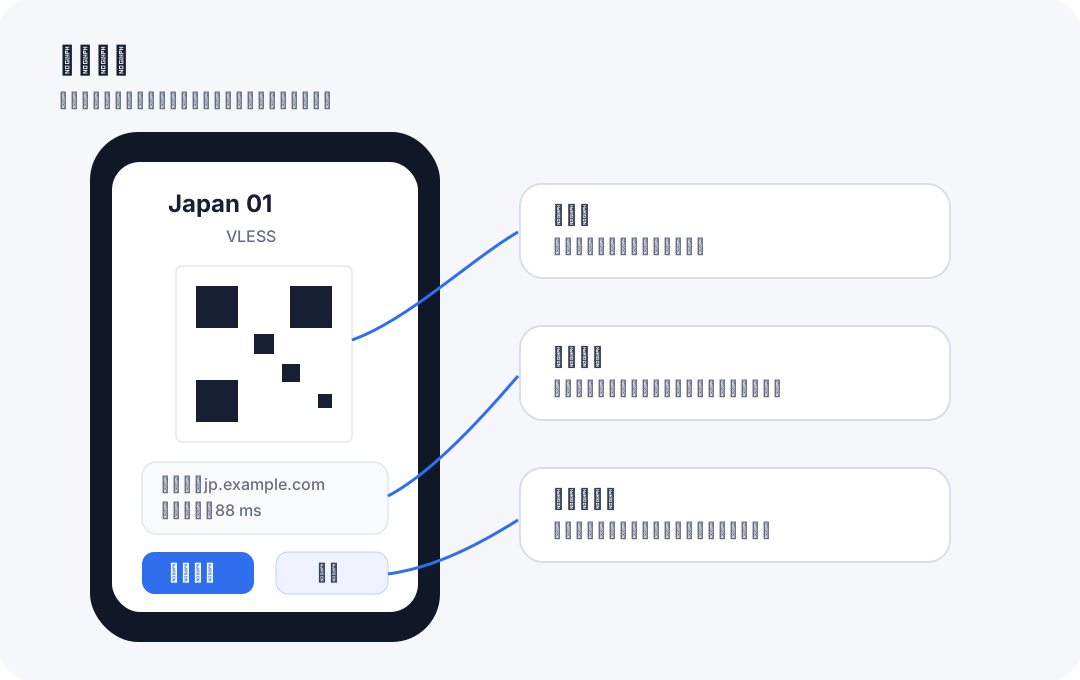
  1. Run batch tests or single-node checks to compare endpoint latency. Results depend on the provider, protocol, and current network.
  2. UDP or handshake-heavy protocols such as Hysteria, TUIC, and WireGuard may be marked as requiring a protocol-specific check.
  3. Share node details only with people or apps you trust because proxy links may contain credentials.
Node sharing shows a QR code and raw link; share only with trusted people or apps.
6

iCloud Sync and Data Management

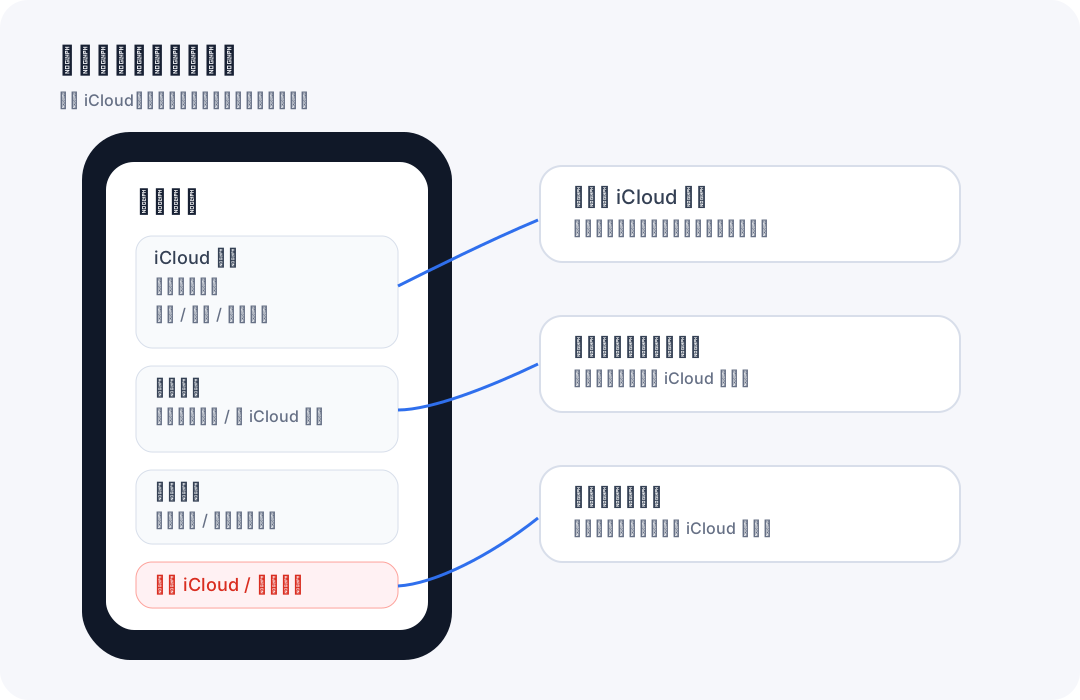
  1. Enable iCloud sync if you want your subscription and node data to sync through your private iCloud account.
  2. Use Check iCloud, Self Test, and Sync Now to confirm that iCloud is available before relying on cross-device sync.
  3. Clear local data, restore from iCloud, clear iCloud data, or clear both only after you understand which copy will remain.
Settings include iCloud checks, sync, local clearing, cloud clearing, and restore actions.
7

Free and Pro Versions

  1. VPN XX Free can show Yandex Mobile Ads through Yandex Smart Waterfall; Google AdMob is configured as a mediated demand source in the Yandex dashboard. Free placements include banner, app-open, interstitial, and native in-feed ads.
  2. VPN XX Pro is a paid download with no ads.
  3. The Pro target does not render ads, initialize ad SDKs for ad serving, or include the free edition ad IDs.
Free includes ads through Yandex Smart Waterfall; Pro is the paid ad-free edition.